
Improve your online reach this season with flexible visual content formats
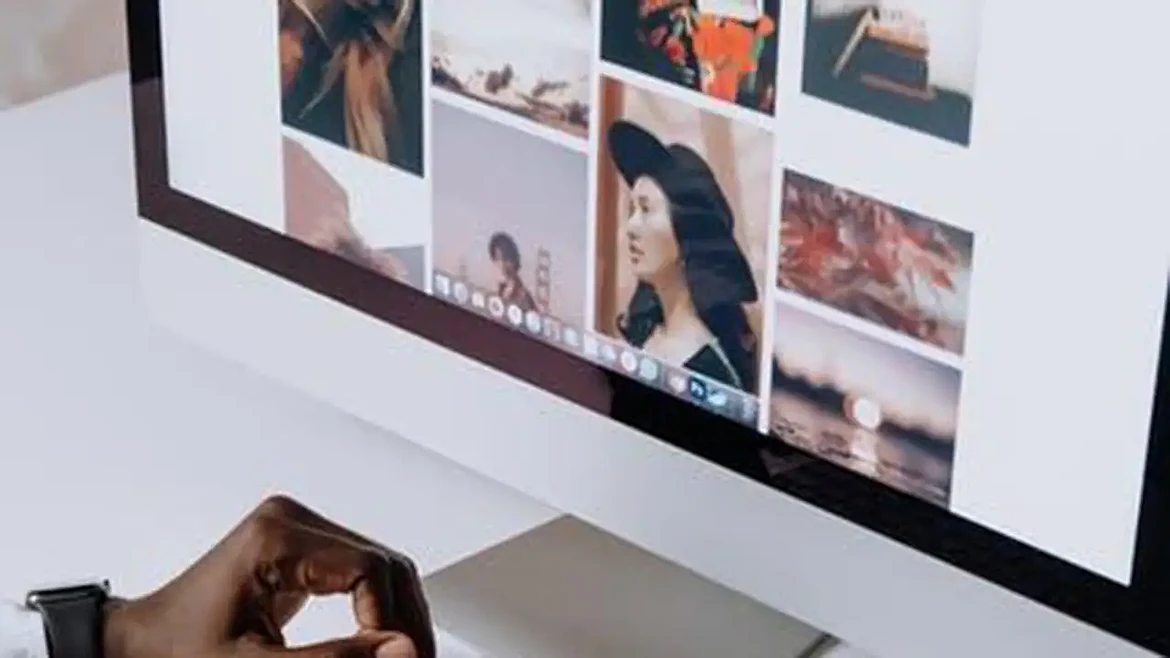
Flexible visual content gives brands more ways to use the same creative idea across social media, websites, email, and other digital channels. Building photos, graphics, and videos with multiple formats in mind also makes seasonal campaigns easier to carry from one platform to the next.
A customer spots your fall campaign in a vertical video, visits your site later on a laptop, then sees the same promotion again in an email. If every version feels awkwardly cropped or disconnected, the campaign falls flat.
Building visual content with several formats and placements in mind keeps the experience consistent and gives each channel something that feels made for it.
Should You Create Content for Different Screen Sizes?
People view online content on phones, tablets, laptops, and larger monitors, and each screen presents visuals differently. Content created for only one format can end up with:
- Cropped subjects
- Unreadable text
- Empty space
- Distorted images
- Poorly positioned graphics
- Hidden calls to action
This is especially important for video in a multi-channel strategy. Vertical footage generally makes better use of a phone screen, while horizontal video can suit websites and other wide-format placements. Businesses using AI video creation through Krea can produce footage with these different formats in mind.
Composition matters just as much as dimensions. Keeping the main subject toward the center and leaving breathing room around key details gives editors more freedom to crop footage without losing what viewers are meant to notice.
Creating distinct versions often works better than forcing one asset into every format. A vertical edit can spotlight a single moment, and a wider cut can capture more of the setting and add useful context.
Cross-Promotion Media Assets: Build a Library Instead of Creating From Scratch
A visual library can serve as a record of what a business has created and how its public image has developed. Instead of treating completed campaign materials as disposable, keep the strongest assets accessible for reference and future use.
Past visuals can be particularly valuable when planning something new. Reviewing them can reveal subjects that have received plenty of attention and areas that have rarely been shown.
A restaurant might discover that it has hundreds of food photos but very few images of its dining space. A retailer may have extensive product photography but little material showing the in-store experience.
A library can also prevent unnecessary duplication. Before scheduling another photo shoot or commissioning a graphic, teams can check if suitable material already exists. Even if an older asset isn't used again, it may still serve as a reference for a new creative brief.
Track where major assets have already been used so the same images do not keep appearing in high-visibility spots. A simple record also makes it easier to rediscover strong material that has not been featured in a while.
How Can New Visuals Refresh Older Content?
Useful online content can remain relevant long after its original publication date, but its visuals may start to show their age much sooner. Updating those elements can give an established article a fresher presentation without replacing material that still serves readers well.
Look for visual details that immediately date a page. Old screenshots may show interfaces that have since changed, photographs may feature previous packaging, and graphics may follow a design style the business no longer uses. Replacing these elements makes the page better reflect what visitors will encounter.
Older content can also provide an opportunity to introduce visual formats that were missing when it was first published. A text-heavy guide could gain a short demonstration video. A complicated explanation might benefit from an infographic or diagram that makes the information easier to follow.
Show the Same Subject at Different Stages
Visual content can capture more than the final outcome. Showing the work at different stages gives audiences a better sense of everything behind the finished result.
A home improvement company can capture a room before the work starts, then show the transformation in progress. A bakery can spotlight the decorating stage before revealing the finished cake, and an artist can document a piece taking shape from start to finish.
One activity can generate several pieces of content with different uses. Progress shots can work on their own, sit side-by-side for comparison, or build into a longer visual story.
Showing the process can also answer questions that a polished final image can't. Viewers can see:
- How something comes together
- What details change along the way
- What happens before the finished product or service reaches them
- What tools or materials are involved
Frequently Asked Questions
What Makes a Good Thumbnail for a Video or Article?
A good thumbnail quickly communicates what the content is about without becoming cluttered. The following can help it stand out when someone is scrolling through a crowded page or feed:
- Strong subject placement
- Readable text
- A clear focal point
- Good contrast between elements
- Consistent branding
The thumbnail should match what viewers will actually find. An exaggerated image may earn a click, but a relevant one sets clear expectations and gives people a stronger reason to keep watching or reading.
Can a Virtual Tour Increase Interest in a Physical Location?
A virtual tour can build interest by helping people understand a physical location before they visit. Viewers can explore the layout and get a stronger sense of what makes the space worth seeing in person.
This format can be especially useful for businesses where the setting influences a customer's decision. The following venues can use virtual tours to turn online curiosity into in-person visits:
- Hotels
- Event spaces
- Fitness facilities
- Retail stores
- Spas
- Restaurants
How Should Businesses Update Visuals When Products or Services Change?
Businesses should review their visual content whenever a product, service, or customer experience changes significantly. Everything in flexible media formats should accurately reflect what customers can currently expect.
Check for visual details. Updating them gives visitors a more accurate sense of what they can expect.
Replace or archive anything showing:
- Discontinued products
- Outdated features
- Previous branding
- Unavailable services
Visual Content: Explore Your Options Today
Make your visual content work harder by planning for different platforms, reusing your strongest assets, and finding fresh ways to show what your business offers.
Do you need more help marketing your company? Explore some of our other posts today.
This article was prepared by an independent contributor which helps us continue delivering quality content to our audiences.